Custom PC: Guide to DDR RAM Performance and Selection
Follow Us on Social Media
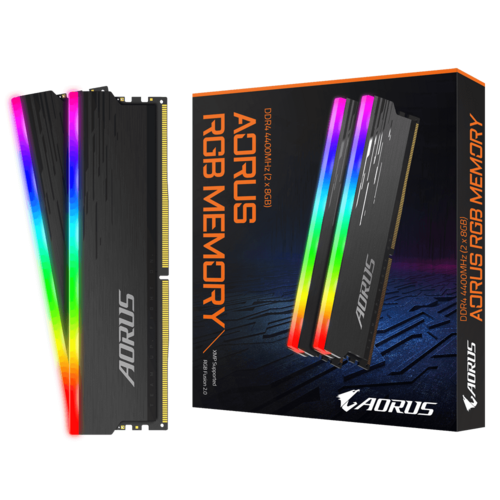
Custom PC: Guide to DDR RAM Performance and Selection Read More »
Follow Us on Social Media
Is Leaving Your PC On 24/7 Harmful? Read More »
Volta PC – Model A Autodesk Inventor Background of performance test VoltaPC’s computers arent only for gaming, they also perform well in a professional setting. In today’s article, we will show how well our Model A performs at 3D modelling using AutoCAD Inventor®. A brief overview of AutoCAD Inventor®; Inventor® 3D CAD is a professional-grade tool for mechanical design, documentation, and product simulation. Our benchmark tests will compare performances for a standard work PC you can find in the office. Inventor® is set for Quality (Inventor® will prioritize for best model quality). We used AutoCAD Inventor 2021 with Inventor Benchmark Ver 1.8.0.0 These are our comparison metrics: We will be comparing modeling test time(s), graphics test time(s) and graphic test
Autodesk Inventor Performance Comparison: Model A versus Office PC Read More »
1. What is overclocking? A CPU’s (Central Processing Unit) performance, or in other words, processing power, is determined by its number of cores and their clock speeds. Clock speeds are measured in hertz, usually in MHz or GHz. A fast processing speed is essential as your computer can interact with whichever application quickly. Overclocking is increasing the clock speed of a computer processor beyond its factory-rated speed. This is usually done to boost performance; a similar process called Underclocking is also used to decrease power consumption in some cases. Overclocking is most commonly associated with desktop processors, although it can also be done with GPUs, memory modules, and other types of computer hardware. Overclocking a CPU can increase its clock
How to Overclock CPU – Free Gaming PC Performance Upgrade Read More »
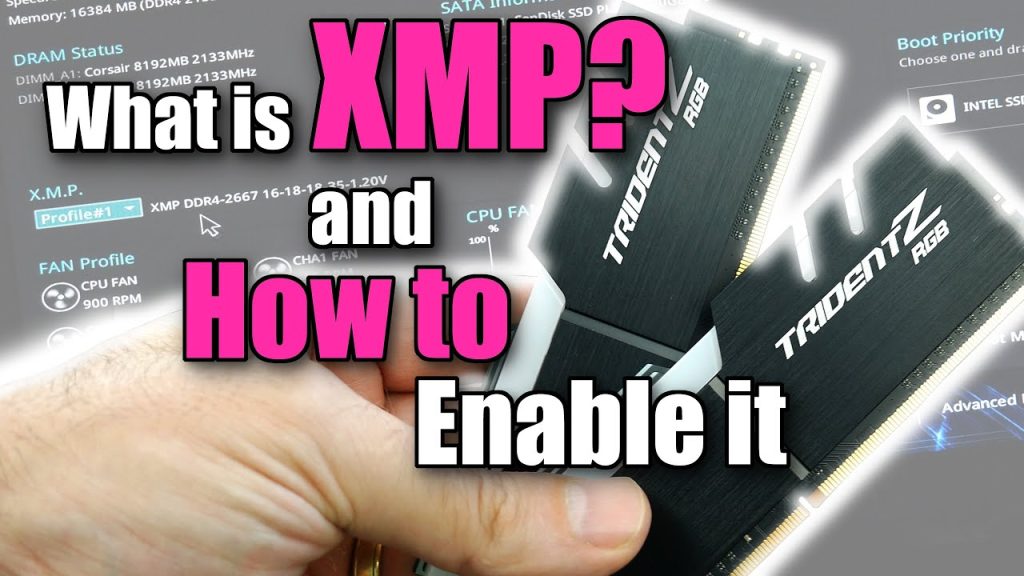
1. What is XMP? XMP, or extreme memory profile, is a feature for DDR3, DDR4 & DDR5 RAM modules that allow users to tweak the correct speed, timing, and voltage settings for the associated RAM. It’s a form of automated overclocking technology that enables motherboards to configure memory settings above the factory preset levels. Ram modules will run at an industrial-specific group, meaning you can purchase and install a DDR4-3200 ram module, which will only run at 2400/2666MHz. Using the XMP function will allow it to perform at higher speeds for which you paid the extra money. Many things affect Ram’s Speed. DDR level (Double Data Rate Random Access Memory), channel/latency timing, and voltage settings are examples, and they differ
What is XMP and how enable XMP | VOLTA PC Read More »